














Dell Latitude E5540 Laptop Screen - Next Day Delivery & 12-Month Warranty
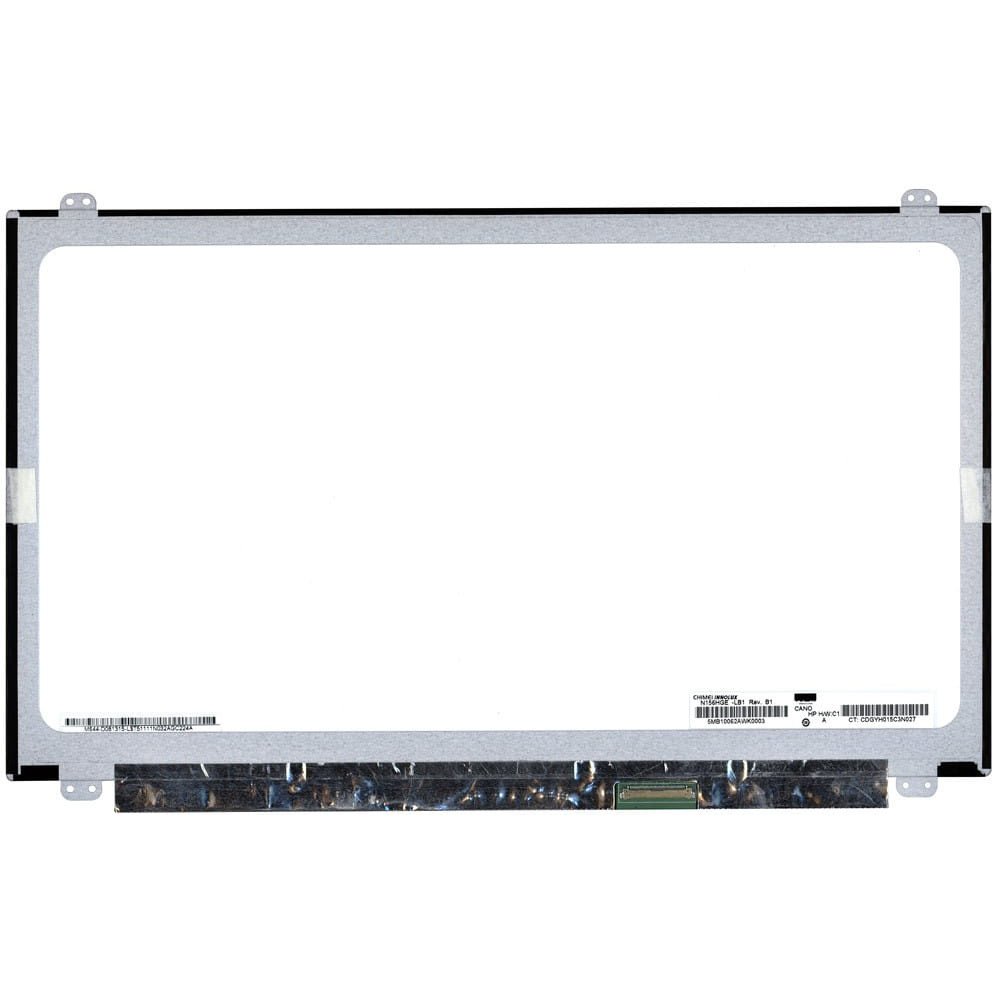
Dell Latitude E5540 Laptop Screen - Next Day Delivery & 12-Month Warranty
£41.70
Ex Tax: £34.75

Available Options
We require this to ensure you have ordered the correct part.
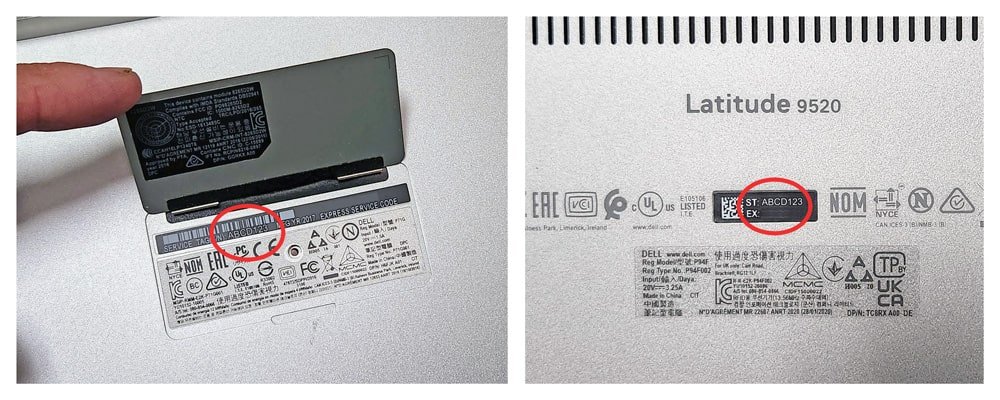
The Service Tag might be labeled as SVC Tag or ST, and the Express Service Code could be shown as ESC or EX. You might notice different abbreviations, but don't worry—they all mean the same thing! Just check the bottom cover of your laptop. Here's how:
- Turn off your laptop and unplug it from the power source.
- Carefully flip your laptop over to access the bottom cover.
- The Service Tag (ST) and Express Service Code (EX) might be etched directly on the bottom cover or on a sticker.